


Make Digital Communication Clearer with Visual Content
Digital communication plays an essential role in modern workplaces, educational institutions, and online businesses. Professionals regularly exchange instructions, explain complicated processes, and share information with colleagues or customers. However, written explanations alone are not always sufficient, especially when describing software features, technical procedures, or detailed workflows. Visual communication provides a practical alternative by allowing people to demonstrate information through screenshots, screen recordings, and instructional videos. These formats can simplify complex subjects and reduce misunderstandings. As remote collaboration and digital learning continue to expand, accessible visual communication tools have become increasingly valuable for individuals and organisations seeking greater efficiency.
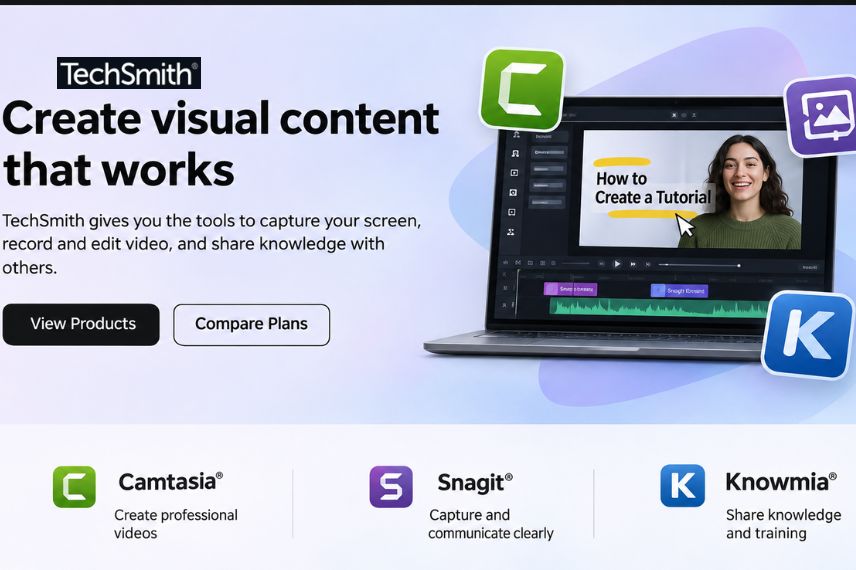
TechSmith develops software solutions designed to help users capture, edit, create, and share visual content. Its product portfolio includes Camtasia for video recording and editing, Snagit for screen capture and documentation, Audiate for AI-assisted audio and text-based editing, and Screencast for sharing and collaboration. These tools support educators, business professionals, trainers, marketers, and content creators who need to communicate information effectively. By combining screen recording capabilities with editing and sharing features, the company provides practical solutions for transforming everyday digital activities into understandable visual resources that audiences can revisit whenever necessary.
Capture Screenshots and Create Helpful Visual Guides
Screenshots are among the simplest yet most effective tools for explaining digital information. A well-organised screenshot can demonstrate where to click, highlight an important feature, or clarify instructions that might otherwise require several paragraphs. Businesses frequently use annotated images for customer support, employee onboarding, technical documentation, and internal training. However, basic screenshot tools may offer limited editing capabilities, making it difficult to create professional instructional materials. Adding arrows, numbered steps, highlights, and explanatory text can improve clarity considerably. Consistent visual formatting also helps readers recognise important details and follow instructions without becoming overwhelmed by unnecessary information.
With Snagit, TechSmith offers screen capture and editing capabilities that go beyond ordinary screenshots. Users can capture selected areas, entire windows, and scrolling webpages before adding annotations and visual explanations. The software includes tools for creating step-by-step guides, highlighting important details, and simplifying complicated screenshots. Features such as Smart Redact can also help conceal sensitive information within captured images. These capabilities are particularly useful for support teams, educators, and professionals who regularly prepare instructional documents. Organised visual guides can make information easier to understand while reducing the need for repetitive explanations.
Create Engaging Tutorials with Professional Video Editing
Video tutorials provide an effective way to demonstrate processes that are difficult to explain through static images. Whether teaching software skills, introducing a new application, or preparing employee training materials, screen recordings allow viewers to observe each action in sequence. A successful tutorial should combine clear narration, organised visuals, and a logical presentation structure. Unnecessary pauses, distracting backgrounds, and confusing transitions can reduce the effectiveness of educational content. Editing tools help creators remove unwanted sections, emphasise essential details, and present information in a more polished format. This makes video production valuable for both independent creators and professional training departments.
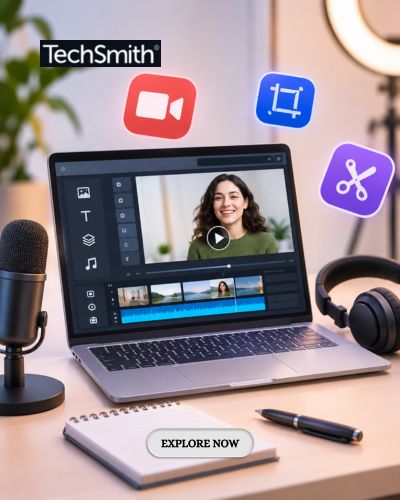
Camtasia, developed by TechSmith, provides screen recording and video editing features designed for instructional and professional content. Users can record their screens, cameras, microphones, and system audio while maintaining separate editable elements. The software supports transitions, annotations, cursor effects, captions, and other visual enhancements that help audiences follow demonstrations. Creators can also import media and arrange recordings within a timeline-based editing environment. These capabilities support the production of software tutorials, presentations, educational lessons, and business demonstrations. By focusing on clarity rather than unnecessary visual complexity, creators can produce videos that communicate their intended messages effectively.
Explore AI-Powered Tools for Faster Content Production
Artificial intelligence is changing how digital content is produced by automating repetitive tasks and assisting with creative processes. Video creators often spend considerable time preparing scripts, editing narration, removing unwanted pauses, and adjusting audio quality. AI-powered tools can simplify some of these activities, allowing users to concentrate on the overall message and presentation. Text-based editing is particularly useful because it enables creators to modify spoken content through written transcripts. However, automated results should always be reviewed for accuracy, especially when videos contain technical terminology, specialised instructions, or information intended for professional audiences.
Through Audiate and its wider Camtasia ecosystem, TechSmith offers AI-assisted capabilities for script creation, voice generation, transcription, audio improvement, and text-based editing. Users can edit certain recordings by modifying their transcripts, making it easier to remove unnecessary words or refine narration. Available AI features also include voiceovers, avatars, and translation capabilities for supported languages. These tools can help trainers and content creators prepare instructional materials more efficiently. Feature availability depends on the selected product and subscription, so users should review current plan details before purchasing. Combining AI assistance with careful human review supports efficient production without compromising communication quality.
Improve Workplace Training and Team Collaboration
Effective workplace training requires more than distributing lengthy manuals or scheduling repeated meetings. Employees often learn more efficiently when they can observe processes, review examples, and revisit instructions independently. Screen recordings and visual guides are particularly useful when introducing new software, explaining internal procedures, or documenting recurring tasks. They can also support remote employees who work across different locations and time zones. Creating reusable training resources helps organisations maintain consistency and reduces the need to repeat identical explanations. A structured approach to visual documentation can therefore support knowledge sharing and make onboarding processes more manageable.
TechSmith supports collaborative communication through Screencast, a platform designed for sharing videos, screenshots, and instructional materials. Users can distribute content through links and collect feedback using comments, reactions, and annotations. Time-specific feedback helps reviewers identify the exact moments that require attention, making discussions more focused. Teams can also organise related resources into collections for easier access. These features are useful for reviewing training materials, explaining technical processes, and coordinating projects without relying exclusively on live meetings. By making visual information easier to share and discuss, organisations can encourage more efficient communication across departments.
Build a Consistent Creative Workflow for Long-Term Success
Producing visual content regularly becomes easier when creators follow an organised workflow. The process can begin with identifying the audience, defining the purpose, and selecting the most appropriate communication format. Screenshots may be sufficient for simple instructions, while detailed demonstrations often benefit from video recordings. Preparing a clear outline before recording helps reduce unnecessary editing and keeps the final presentation focused. Creators should also consider accessibility, including readable text, understandable narration, and accurate captions. Consistent formatting, appropriate branding, and careful quality checks contribute to professional results that remain useful over time.
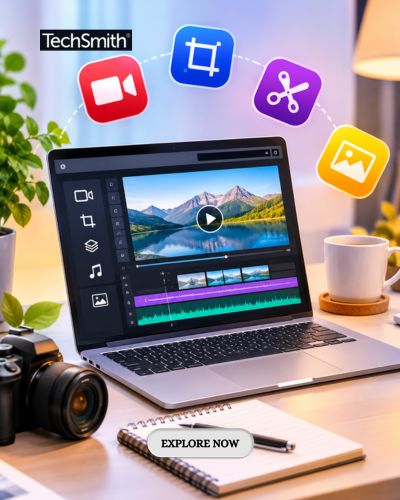
Using TechSmith tools together can help individuals and teams establish a more connected visual content workflow. Snagit supports screenshots and documentation, Camtasia provides recording and video editing, Audiate assists with narration and AI-powered editing, and Screencast enables sharing and feedback. The combination allows creators to select tools according to their project requirements rather than applying the same production method to every task. Before choosing a subscription, users should compare product capabilities, system requirements, and available features. With thoughtful planning and suitable software, visual communication can become a reliable part of everyday learning, professional collaboration, and digital content creation.